EatCam app icon

Snap a photo.
Know your calories.

Point your camera at any meal — EatCam names every dish and gives you calories, protein, carbs and fat in seconds. No barcode hunting, no endless searching, no sign-up.

App Store — in review Google Play — coming soon

Launching shortly on iPhone and Android · Free to use · 8 languages

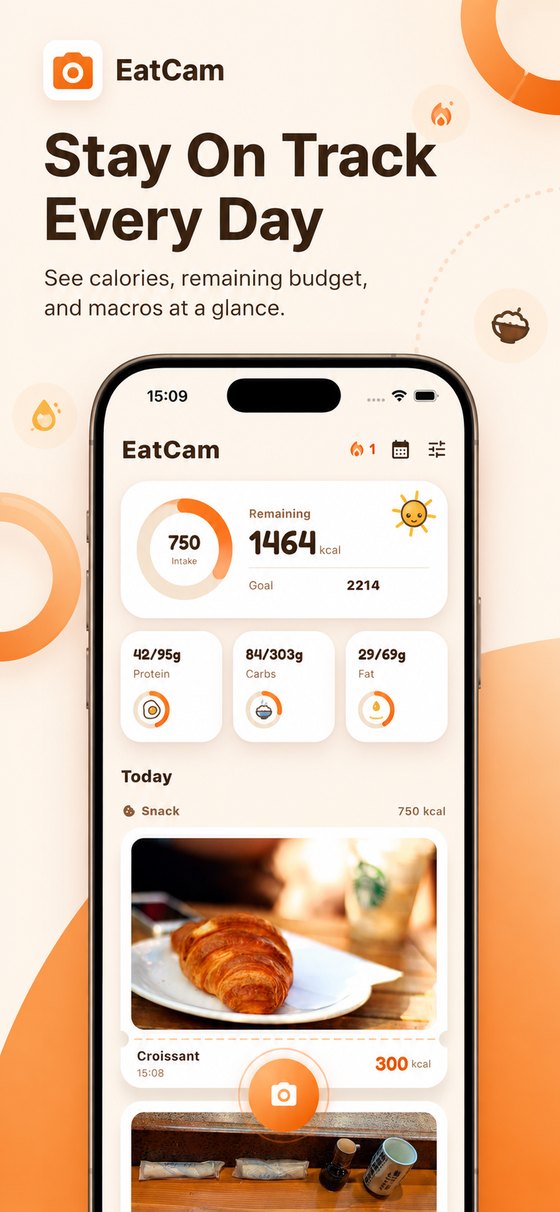
EatCam home screen: daily calorie budget, macros and logged meals
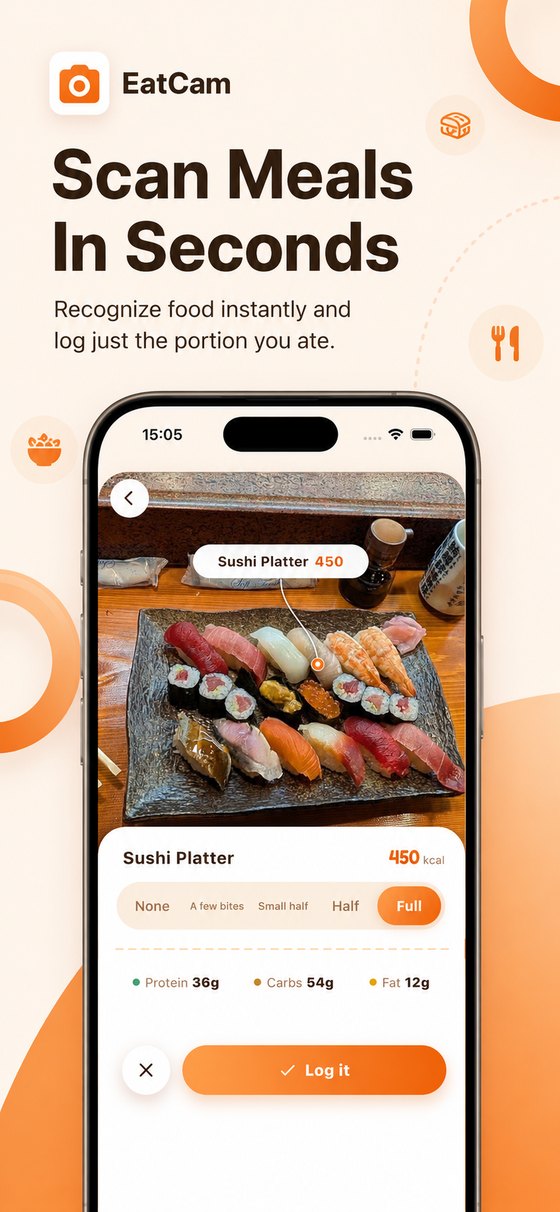
EatCam recognizing a sushi platter with calories and macros in seconds
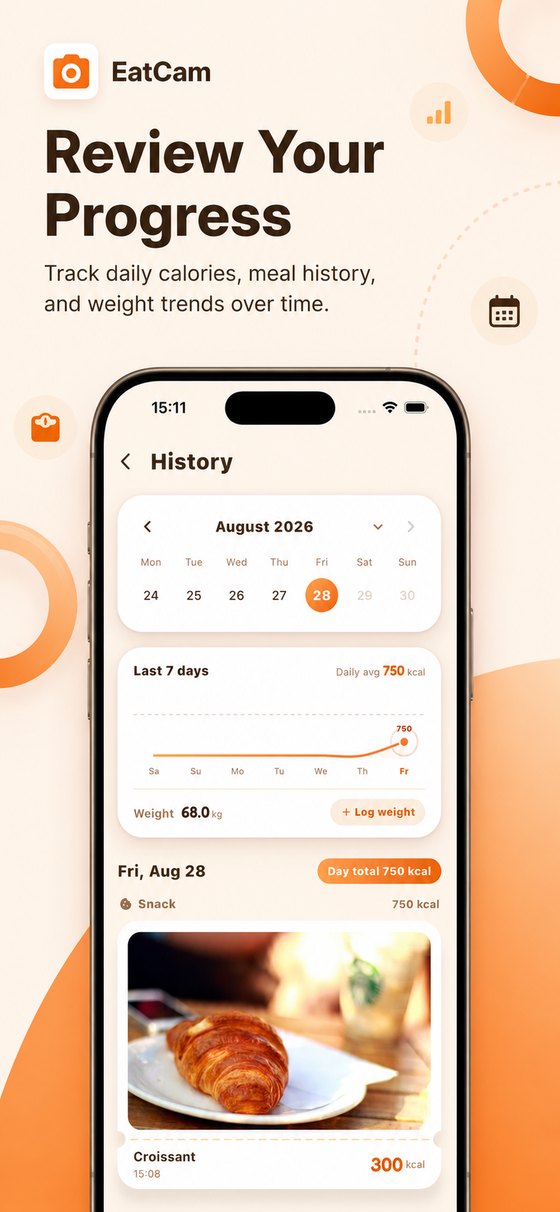
EatCam history: calendar, weekly intake curve and weight trend
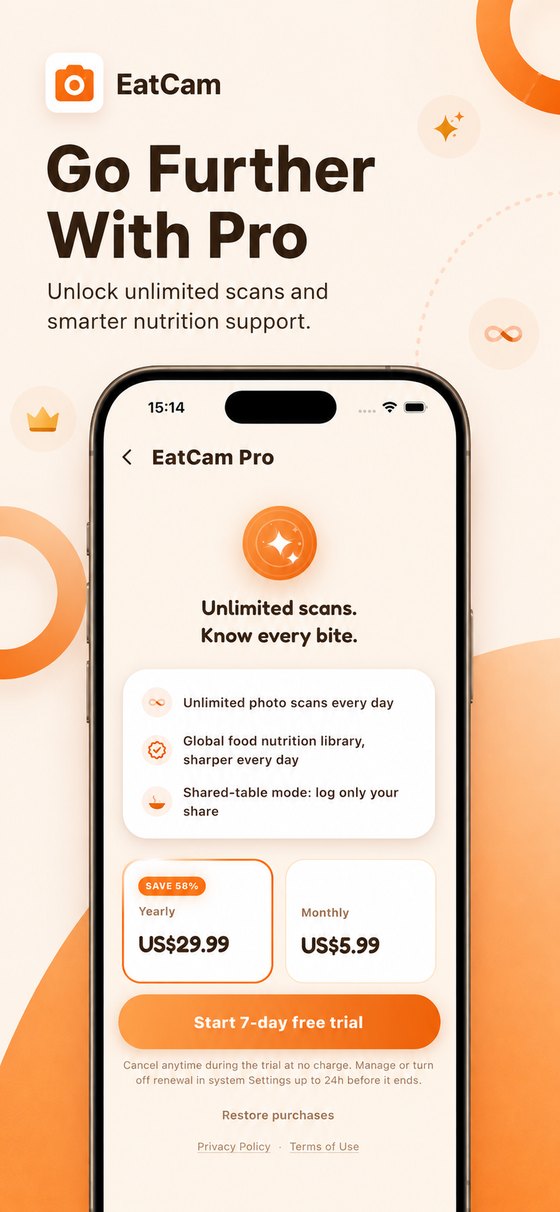
EatCam Pro: unlimited photo scans and cloud backup

Everything you need to log a meal

Built for real meals — not just packaged food with a barcode.

📷
Photo recognitionPoint, shoot, done. Calories and macros in seconds, no manual searching.
🍱
Multiple dishes at onceA whole table is recognized dish by dish, so shared meals are logged per person.
🎚️
Portion controlAte half? Tap a portion level and every number updates instantly.
✍️
Fix anythingTap a dish name or calorie number to correct it — results keep getting sharper.
🏷️
Barcode scannerScan packaged food and drinks for label-accurate nutrition, in grams or millilitres.
📊
Trends that stickCalendar view, 7-day intake curve, streaks and weight tracking in one place.
❤️
Apple Health syncWrite nutrition and weight, read active energy for your daily net balance.
🌏
8 languagesEnglish, 中文, 日本語, 한국어, Deutsch, Español, Français, Português.
🔓
No account neededDownload and start logging in seconds. Nothing to sign up for.

Simple pricing

Start free. Upgrade when you want unlimited scans.

Free
$0
forever
  • 3 photo scans per day
  • Barcode scanning
  • Manual logging
  • History & trends
7-day free trial
Pro
$5.99/mo
or $29.99/year — save 58%
  • Unlimited photo scans
  • Cloud backup of your photo history
  • Switch devices without losing data
  • Everything in Free

Subscriptions renew automatically unless cancelled at least 24 hours before the period ends. Manage or cancel anytime in your App Store account settings.

Frequently asked questions


How accurate is photo calorie counting?

EatCam identifies each dish and estimates its portion from the photo, then looks up nutrition from a food database that grows as people use and correct it. For anything packaged, the barcode scanner reads label-accurate values. You can always tap a dish to adjust the portion or the calories yourself.

Do I need an account?

No. Download the app and start logging immediately — there is no sign-up, no password and no email required. Pro subscribers can optionally turn on cloud backup so their photo history follows them to a new device.

Does it work with foods that have no barcode?

Yes — that is the point. Home cooking, restaurant plates and shared tables are all recognized from the photo. The barcode scanner is there for packaged snacks and drinks.

Can it handle a table shared by several people?

Yes. Every dish on the table is recognized separately, and you set how much of each one you actually ate, so a shared meal is logged per person.

Does EatCam sync with Apple Health?

Optionally. With your permission it writes your logged nutrition and weight to Health, and reads active energy so the home screen can show intake minus exercise. The app works fully without granting access.

Is it available on Android?

The Android version is in testing and will be on Google Play shortly. The iPhone version is available now.

What happens to my photos?

Meal photos stay on your device unless you turn on cloud saving, which is a Pro feature. You can delete everything you have stored at any time from inside the app, or request deletion here.
Chinese food calorie chart

Look up any dish — calories, protein, carbs and fat per 100 g and per serving.

Browse 500+ dishes 中餐热量表